vCluster Cloud + vCluster Platform v4.1 with External Database Connector
We’re excited to introduce vCluster Cloud, our managed solution to make adopting and exploring vCluster Platform easier than ever, and the new External Database Connector in Platform v4.1, which automates secure, scalable database provisioning for your virtual clusters. Dive in and experience these powerful updates today.
Introducing vCluster Cloud
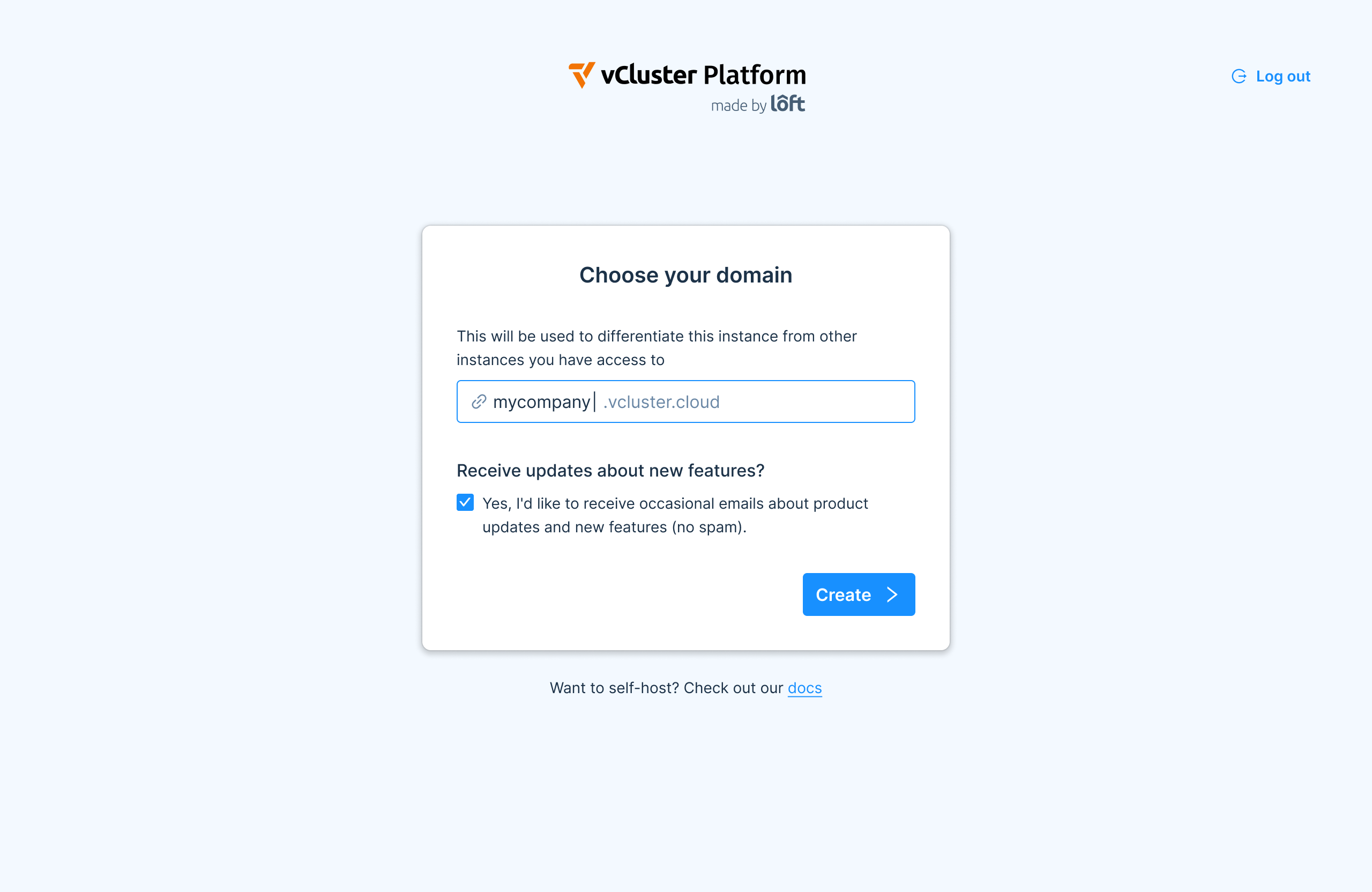
Virtual clusters have been adopted by companies of all sizes and while our enterprise users love the fact that vCluster as well as our Platform are optimized to be self-hosted, setting up and running the Platform in particular can require some effort. To make it easier for anyone to explore and adopt our Platform, we are launching vCluster Cloud, our managed offering for anyone that would like us to host and manage the Platform for them. Try out vCluster Cloud today if you’re interested.
While vCluster Cloud is still in beta and not recommended for mission-critical production workloads, it is a great option for you if you want to:
Explore the Platform without having to set it up yourself
Activate Pro features for a virtual cluster without having to set up the Platform to receive a license key
Run a proof-of-concept project with the Platform without any setup overhead
Experiment with new releases before you upgrade your self-hosted production instance of the Platform
Test configuration changes in a sandbox-like environment that can be easily deleted and recreated within less than a minute
After this beta release today, we will be working hard to make vCluster Cloud fully production-ready because we know that especially small and mid-size organizations might prefer to leverage this managed offering instead of having the operational burden to run the Platform themselves. We might even go as far in the future to even offer fully hosted virtual clusters where we manage the entire control plane and its state and only your workloads will run in your own cloud or on-premise infrastructure. If this might be of interest to you, please contact us via sales@loft.sh
Platform v4.1 - External Database Connector
Virtual clusters always require a backing store. If you explore vCluster with the default settings and in the most lightweight form possible, your virtual clusters’ data is stored in a SQLite database which is a single-file database that is typically stored in a persistent volume mounted into your vCluster pod. However, for users that want more scalable and resilient backing stores, vCluster also supports:
etcd (deployed outside of your virtual cluster and self-managed)
Embedded etcd (runs an etcd cluster as part of your virtual cluster pods fully managed by vCluster)
External databases (MySQL or Postgres databases)
The option to connect to an external database is particularly exciting for many of our vCluster power users because most organizations have well-established options for running and maintaining relational databases at scale. And if you are running in the public cloud, you can even offload database HA clustering as well as backup and recovery processes to your cloud provider, e.g. using solutions such as AWS RDS.
BEFORE: Manual Database Provisioning
So far, in order to use external databases for your virtual clusters, you will need to:
Create a database
Create a database user and password
Configure the virtual cluster to use this database and the respective credentials using the
vcluster.yamlas shown in the example below:
controlPlane:
  backingStore:
    database:
      external:
        enabled: true
        dataSource: "mysql://username:password@hostname:5432/vcluster-1"
Doing this manually for a few virtual clusters may be possible but it is not a great solution because of the following risks:
Manual provisioning is time-consuming and prone to human errors
Database credentials have to be configured separately for each virtual cluster and live inside the workload clusters making these credentials more vulnerable to not be handled properly and potentially being exposed or leaked
Cleaning up databases and credentials for deleted virtual clusters is entirely manual and will often be forgotten
Rotating credentials becomes tedious and likely something users will not want to do frequently
AFTER: Automated Database Provisioning via Connector
In order to address the problems of manual provisioning of external databases for virtual clusters, we built a Platform feature called External Database Connector. Here is how to use this feature:
In the Platform, create a Database Connector by specifying your database server and credentials to access it (this information is stored in a regular Kubernetes secret and can be provisioned and managed with your preferred Kubernetes secret store, e.g. Vault).
For each virtual cluster, configure this connector as the backing store as shown in the example below:
controlPlane:
  backingStore:
    database:
      external:
        enabled: true
        connector: "my-connector"
Once the virtual cluster starts, the following will now happen:
The virtual cluster will connect to the Platform.
The Platform will create a separate database (inside your database server) for each virtual cluster.
The Platform will create a non-privileged user for this database.
The Platform will relay the username and password to the virtual cluster, so it can access the database as a backing store.
This approach has the following benefits over manual database provisioning:
Fully automated database and user provisioning for each virtual cluster
Central credentials handling and in-memory, on-demand transfer of credentials from the Platform to virtual clusters drastically reducing the risk to leak credentials
Automatic cleanup of databases and credentials upon deletion of virtual clusters
Soon: Automated options for rotating credentials to make them short-lived
If you want to learn more about External Database Connectors, view the documentation.